
Voice Widget
A white-label Next.js app for configuring, previewing, and embedding ElevenLabs-powered voice chat widgets on any website.
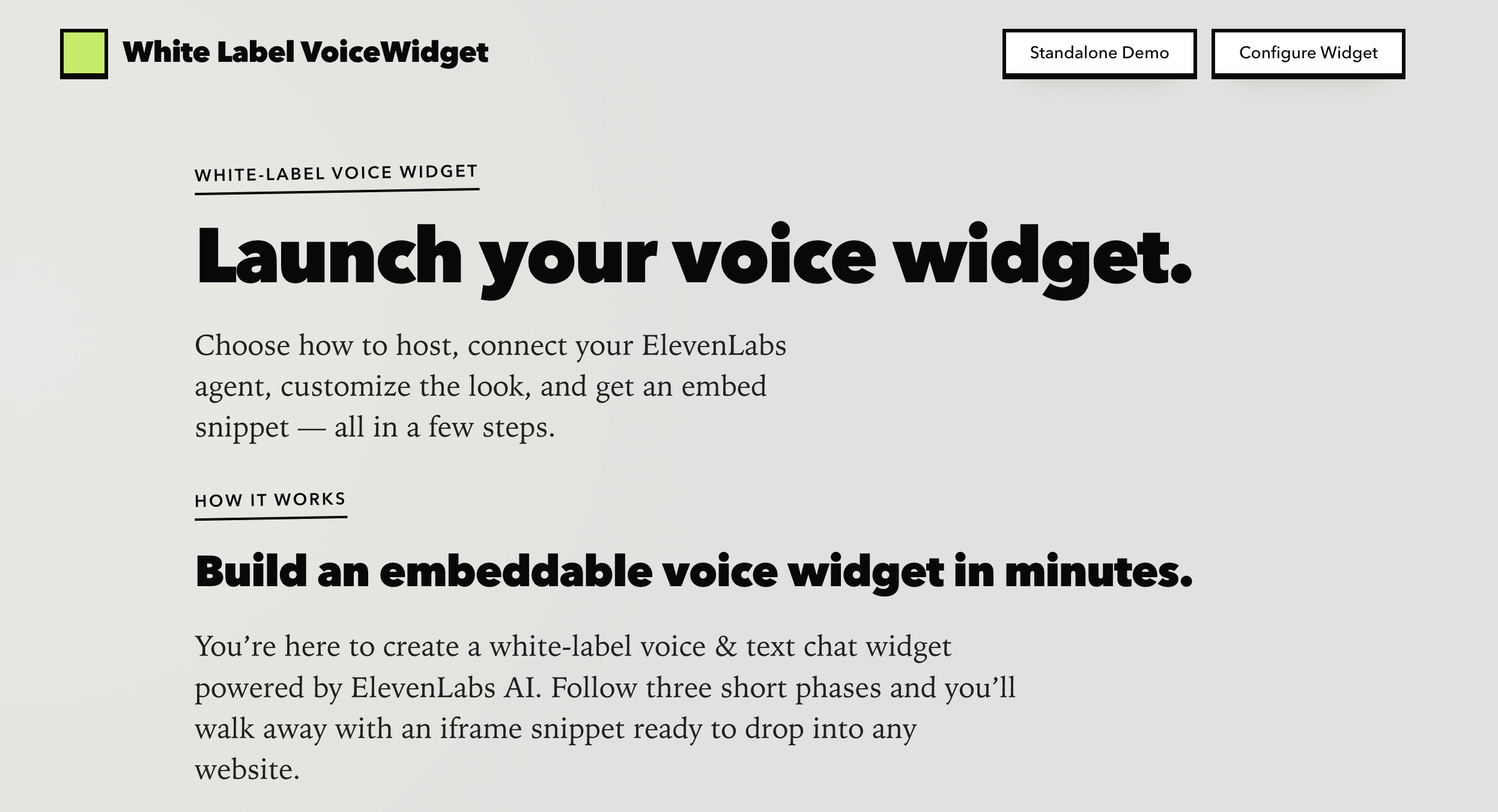
A white-label Next.js app for configuring, previewing, and embedding ElevenLabs-powered voice chat widgets on any website. Compliant with the ElevenLabs Creator tier, but far more configurable than their current widget builder.
Who is it for?
Website owners and developers who want to add a voice-powered conversational interface to their site without building one from scratch. Think SaaS founders adding a support agent, agencies white-labeling a chat widget for clients, or customer support teams wanting a branded voice assistant embedded on their help pages.
What problem does it solve?
Integrating a voice AI agent into a website is surprisingly painful. You need to handle microphone permissions, manage WebSocket audio streams, build a chat UI, style it to match your brand, and figure out how to embed it cleanly. ElevenLabs provides the voice agent backend, but there was no turnkey way to configure, customize, and embed their widget with your own branding — you had to build the entire frontend yourself.
Why I built this
I wanted a drop-in solution for deploying ElevenLabs voice agents that anyone could customize without touching code. The goal was to go from 'I have an ElevenLabs Agent ID' to 'I have a branded voice widget embedded on my site' in under five minutes.
How it works
You start on the configure page and paste your ElevenLabs Agent ID. Then you customize the widget appearance — choose voice-only or voice-plus-chat mode, set colors, labels, border radius, avatar image, and layout. A live preview updates as you tweak settings. When you're happy, the app generates an embed URL and a ready-to-paste iframe snippet. Drop that snippet into any webpage and your visitors get a fully branded voice chat experience. Configuration is stored in the URL parameters, so each embed can have its own look without a database.
Design & product decisions
I chose to store all configuration in URL query parameters rather than a database. This means zero backend infrastructure — the whole app is a static Next.js deployment — and each embed URL is fully self-contained. The trade-off is longer URLs, but it eliminates auth, databases, and API layers entirely. For the 3D avatar, I used React Three Fiber to render an animated orb as the default, with the option to swap in a static image. This gives the widget a polished, alive feel out of the box while keeping the custom avatar path simple. I went with localStorage as a secondary config layer so returning users don't lose their settings, but query params always take priority to keep embeds deterministic.

More by David Meehan
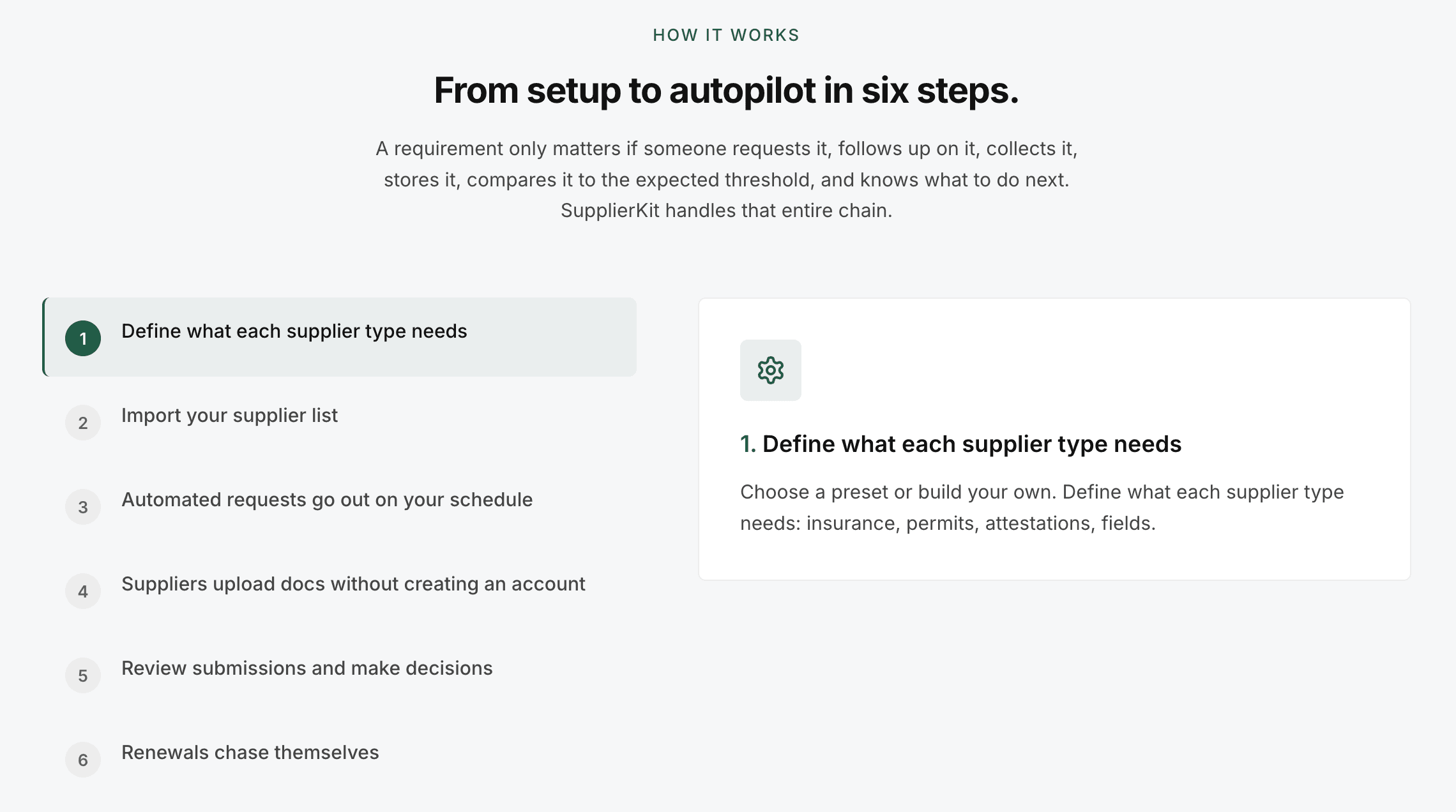
SupplierKit
Supplier compliance automation for travel operator teams managing large supplier networks.
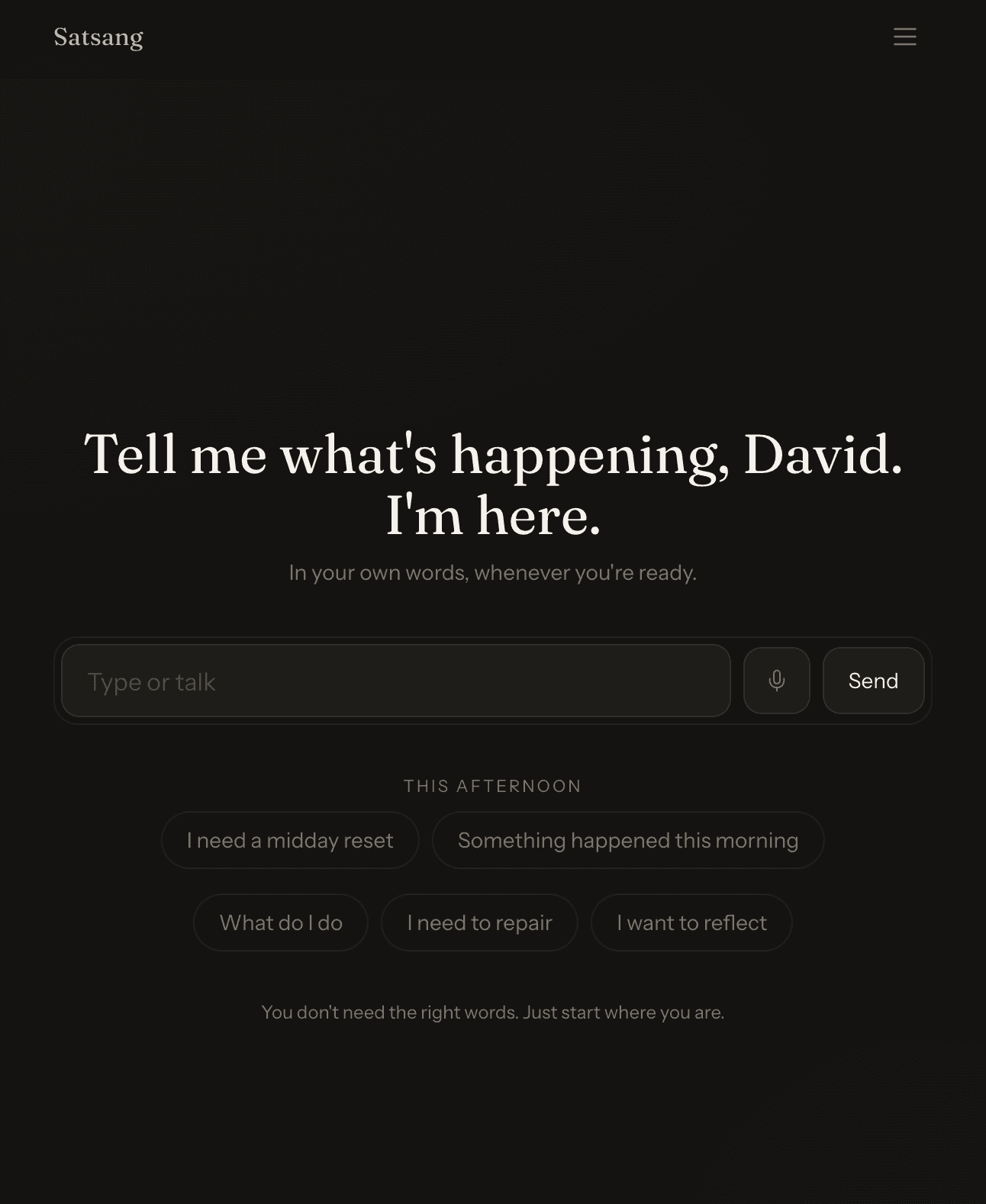
Satsang
A calm, AI-guided conversation space for parents to recover their regulated presence and discover the tools to show up as the parents they know they can be.