
Satsang
A calm, AI-guided conversation space for parents to recover their regulated presence and discover the tools to show up as the parents they know they can be.
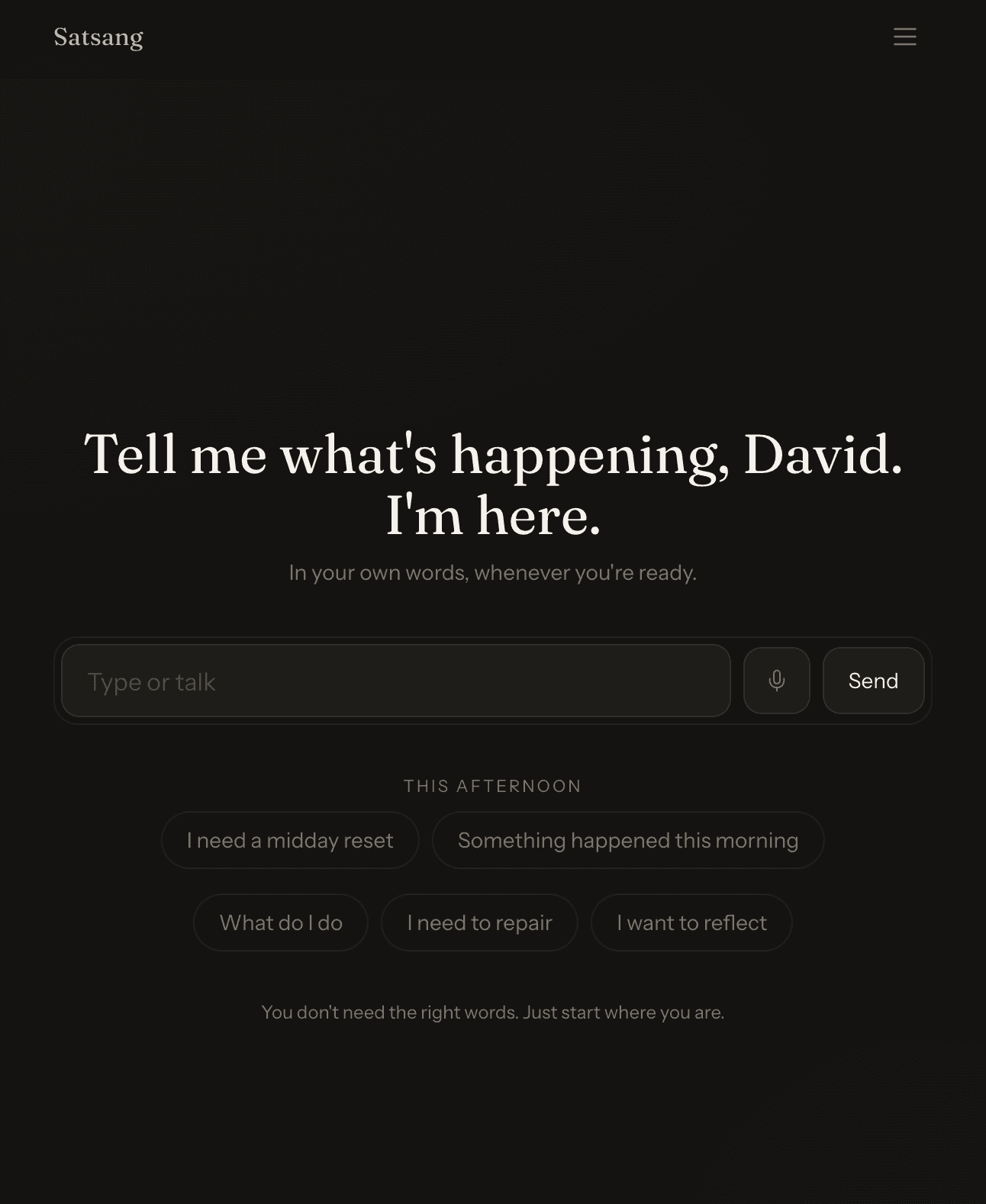
A collaboration with an expert in the parent counseling space to scale her expertise to a broader, self-serve audience.
Who is it for?
I built Satsang for people who want a calmer, more reflective place to work through what's on their mind — not another productivity tool and not a clinical therapy app. The people I have in mind are adults navigating everyday stress, hard moments, and quiet questions about how they want to live. They might journal occasionally, have tried meditation apps, and want something that meets them where they are: a private space to talk things through, get grounded with a quick regulation tool, and turn an insight into a small, doable plan. It's especially aimed at people who find blank journals intimidating and find chatbots either too clinical or too chatty.
What problem does it solve?
Before Satsang, the options for "I'm having a hard moment and I want to think out loud" were fragmented and uncomfortable. Generic chatbots feel transactional and push you toward answers. Meditation apps offer canned sessions but no way to talk through what you're actually feeling. Journaling apps stare at you with a blank page. Therapy is essential but isn't available at 11pm on a Tuesday when something small but real is knotting you up. The pain point I kept seeing — in myself and friends — was the gap between "I notice I'm not okay" and "I have a useful next step." Satsang collapses that gap: a warm conversation surface, a 60-second reset when things feel hot, support tools you can reach for, and lightweight plans you can actually follow without it turning into another to-do list.
Why I built this
I built Satsang because I wanted the thing to exist for myself. I'm new to coding and worked through this project as a way to learn while making something I'd actually open at the end of a long day. I cared about the feel of it more than the feature count — the typography, the pace of the streamed responses, the breathing room around the input. I kept the collaboration model with my AI coding assistant strict and minimal-diff (see AGENTS.md) because I wanted to understand every change. Each iteration was driven by a real moment where the previous version felt off: a reset that looped, a save button that appeared too early, an onboarding step that didn't carry intention forward. Building it taught me product judgment as much as it taught me React.
How it works
You land on a single calm conversational page with a warm headline, an input area, and three starter prompts. As soon as you start typing, the same column fades into the conversation itself, so there's no jarring screen change. Behind the input, /api/llm/chat streams a response from Claude Sonnet via the Vercel AI Gateway, and the assistant's text appears progressively rather than landing in one block. From the conversation you can save a script for later, take a 60-second reset in a focused modal (no more text injected into chat), or pivot into Support Tools, Plans, or You. New users go through a short onboarding flow that captures a 30-day vision and turns it into an editable practice goal that gets carried into step 5 instead of starting from a blank box. Plans, Saved, Journal, and Resources are all reachable from the bottom nav, and an Admin route is gated for me. Auth, profiles, and persistence run on Supabase, and an Upgrade sheet handles soft quota gates without breaking the calm.
Design & product decisions
The biggest decision was to keep the home surface to a single calm column instead of a dashboard. The previous version had triage cards and dual action rows, and they made arrival feel like work. I removed them and pushed the still-useful flows behind a SupportDrawer and dedicated routes — the cost is one more tap, the win is that "/" stops shouting at you. I picked Vite + React + Tailwind for fast iteration and Supabase to avoid building auth, a database, and edge functions from scratch as a beginner. For the LLM layer I went through the Vercel AI Gateway so the same code paths can fall back to mock streamed responses when no key is set, which keeps local dev unblocked. I wrote contract tests against the gateway runtime instead of mocking the UI so I'd catch shape changes early. On the conversation UX, I learned the hard way that injecting a "60-second reset" message into chat caused consent loops, so I replaced it with a local modal countdown that doesn't post anything back. I moved Save Script outside individual assistant bubbles into a panel-level action row tied to the latest fully streamed message, so it never appears prematurely. I lazy-load every non-home route to keep the first paint quiet, and the whole codebase is held to a strict minimal-diff collaboration contract (AGENTS.md) so the surface area stays understandable to a learning developer.

More by David Meehan
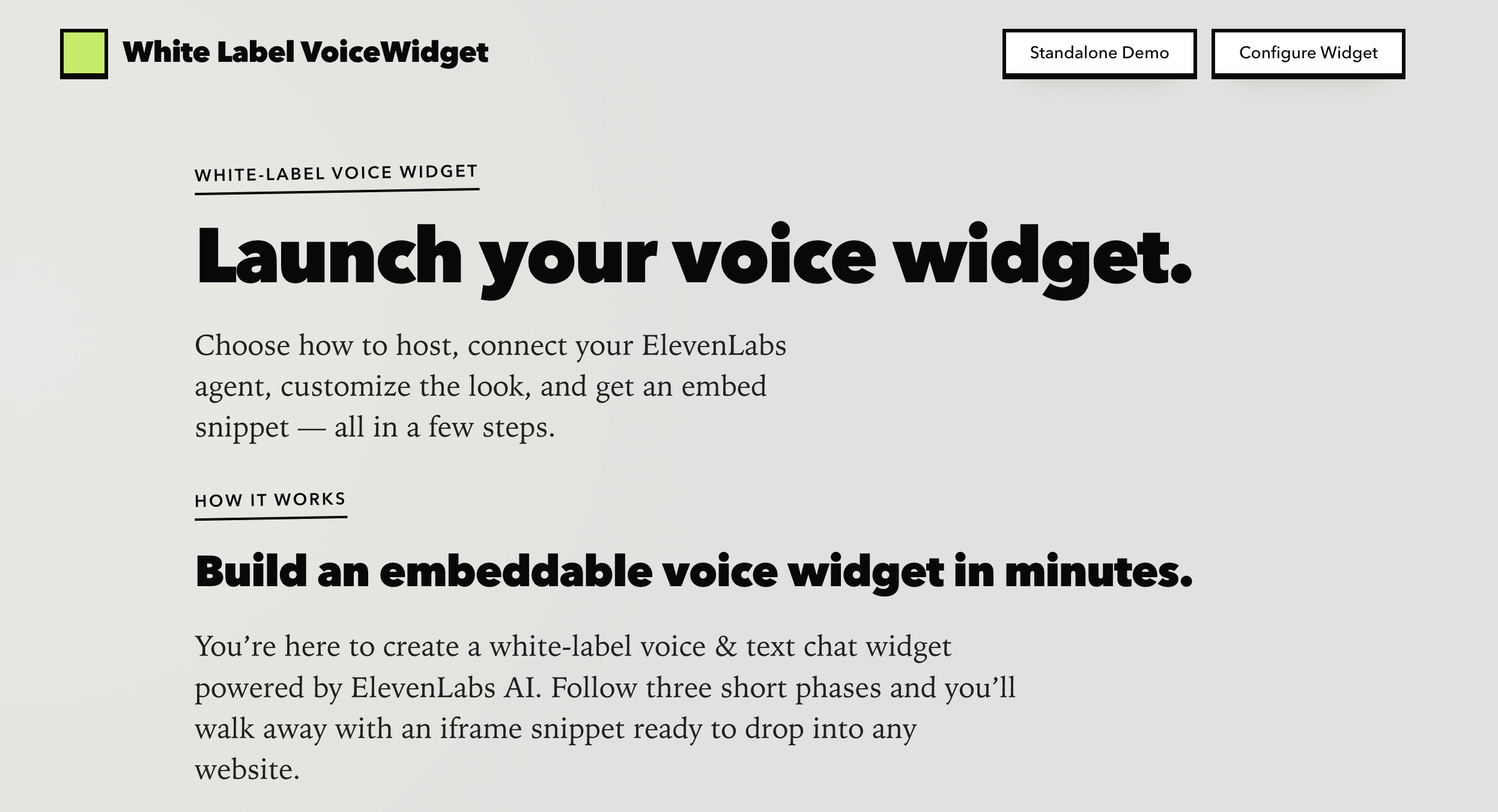
Voice Widget
A white-label Next.js app for configuring, previewing, and embedding ElevenLabs-powered voice chat widgets on any website.
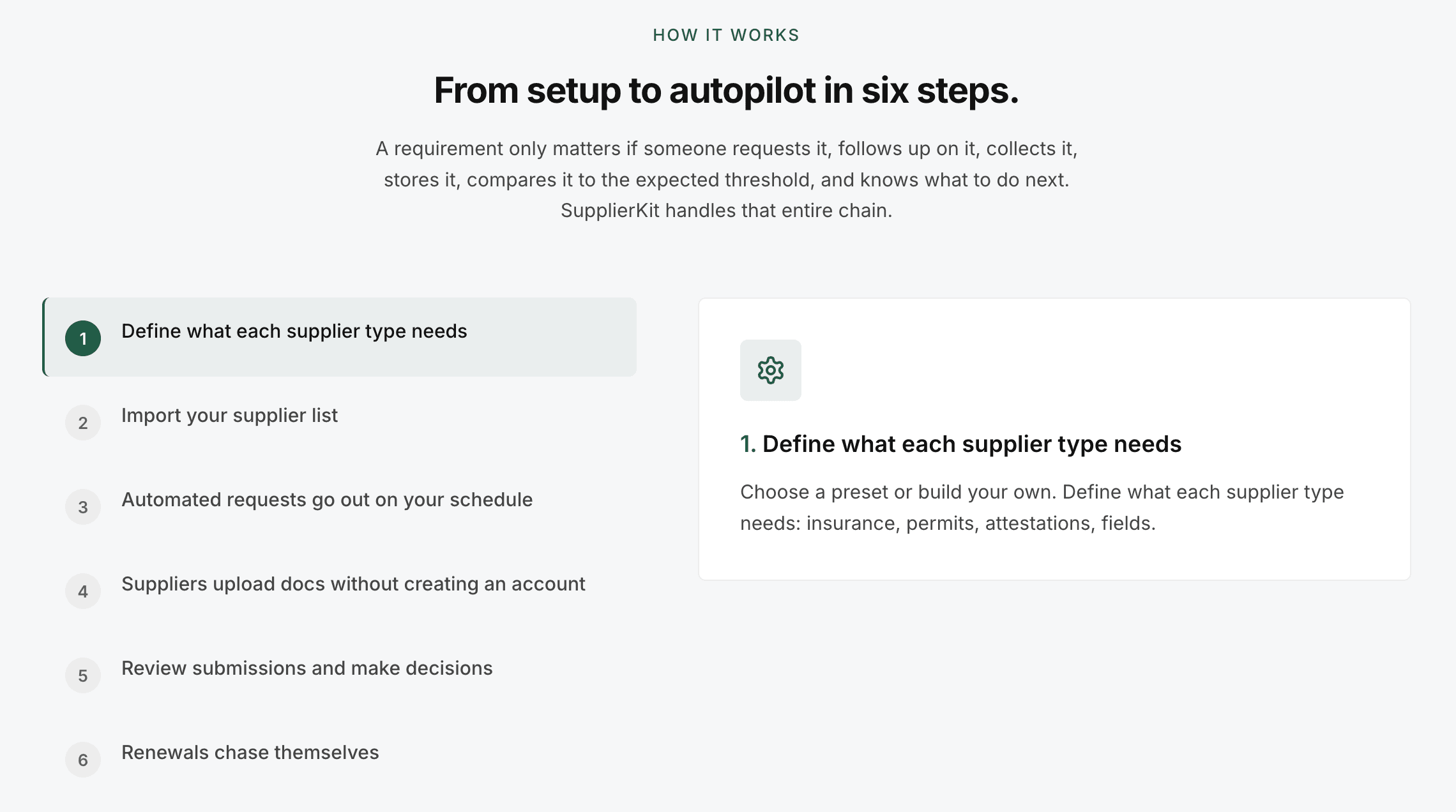
SupplierKit
Supplier compliance automation for travel operator teams managing large supplier networks.